Infrastructure · 7 min
How to cut cloud infrastructure costs without losing performance
Is your cloud bill growing before you have even launched? What to review pre-launch, at the MVP stage, while growing and for traffic spikes. Two real cases.
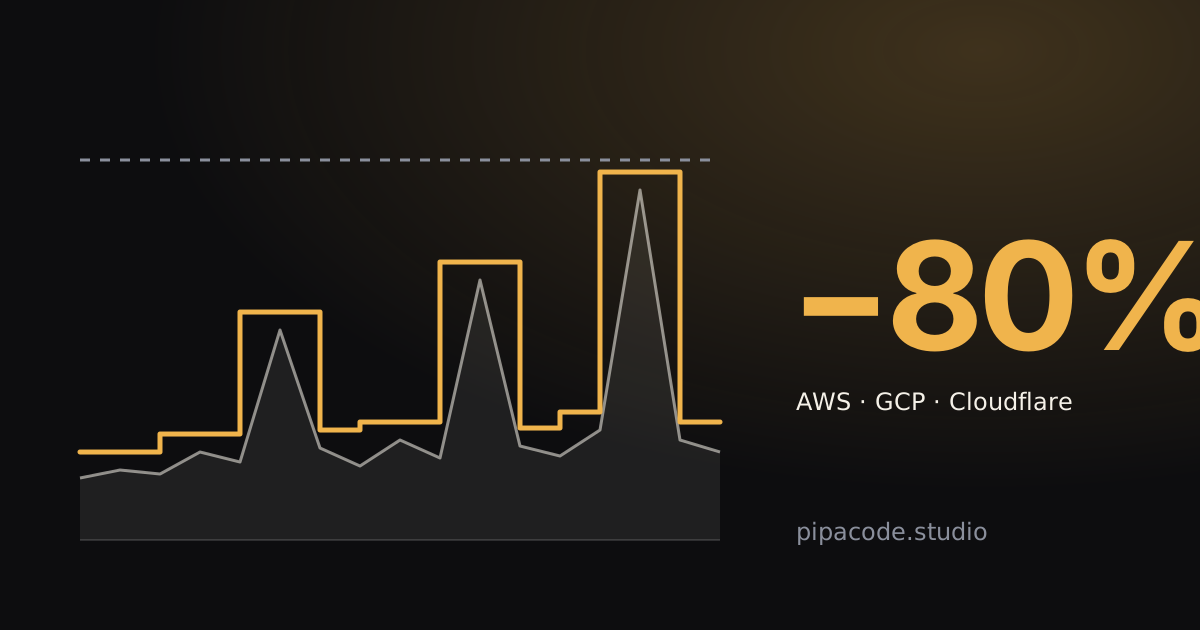
Short answer: you can cut cloud infrastructure costs without giving up speed. The overspend usually comes from resources left running with no use, servers larger than needed and an architecture designed for a different stage of the project. By reviewing the architecture and the real traffic, you can pay for what you use and still respond fast when demand goes up. That is how, in a recent launch, we cut fixed costs by 80%.
Signs you are overpaying
- You pay every month for an app that has no users yet. Servers, databases and test environments running 24/7 for a product that hasn’t shipped.
- The bill grows faster than the traffic. If users grew a little and the cost doubled, something isn’t scaling the way it should.
- Nobody really knows what each line of the bill is. Resources with generic names, forgotten test accounts, services someone turned on “just to try”.
- To handle the spikes, everything is sized for the worst day. And you pay for that headroom the rest of the month too.
- There is data transfer you didn’t expect. Traffic leaving the cloud (images, videos, downloads, calls between regions) is often one of the hardest costs to anticipate.
Where the money usually goes
- Oversized servers. Instances picked “just in case” that run at a fraction of their capacity.
- Idle resources. Staging environments, test machines, disks and snapshots nobody deleted, reserved IPs with no use.
- Managed databases that are always on, even when usage is concentrated in a few hours of the day.
- Data transfer and network services, such as NAT gateways or traffic between zones, which charge by the hour and for every GB that goes through.
- Logs and metrics with no retention policy, piling up month after month.
- Static content served from the server instead of a CDN, which forces you to keep more capacity than you need.
- AI processes that are poorly used. Generating content with AI models is billed by usage, and every repeated call, every response generated again instead of being stored and every model larger than needed adds to the bill.
- A hosting plan that doesn’t fit your kind of traffic. Some platforms push you to a fixed paid plan as soon as usage grows a little, even when that growth is only occasional.
What makes sense at each stage of your project
There is no universal “cheap” architecture. What makes sense depends on where your product is.
Before launch
The goal is to keep fixed costs as close to zero as possible while there are no users. Services that scale to zero (such as Cloud Run on Google Cloud, Lambda on AWS or Workers on Cloudflare), static sites on a CDN and databases that can be paused or are billed by usage. Test environments are turned off outside working hours or created only when needed.
MVP and first users
Here what matters is being able to change fast without the bill taking off. A serverless architecture or managed containers are usually enough, with budget alerts set up from day one. This is the time to measure: how many real requests there are, at what times, which endpoints are the heaviest. That data is what later lets you size things right.
Growth
Once traffic is steady, what made sense for the MVP can become expensive. With a predictable volume it is worth evaluating reserved instances or savings plans (Savings Plans on AWS, committed use discounts on Google Cloud), moving static content to a CDN, adding a cache in front of the database and moving heavy processes to queues. The goal is for the cost per user to go down as you grow, not up.
Usage spikes
Launches, campaigns, sporting events, sale dates: if your traffic multiplies for a few hours and then goes back to normal, there is no point in paying for peak capacity all month. Autoscaling adds resources when demand goes up and removes them when it goes down. Set up well, the app responds just as fast at the peak and the bill reflects real usage.
Real cases: what we did in our own projects
Estudiantino: 80% lower fixed costs at launch
Estudiantino, an EdTech app, has dynamic traffic: usage goes up and down a lot depending on the moment. It was on Vercel and, with the volume we expected for the launch, we were going to need the Pro plan. Instead, we migrated the site to Cloudflare Pages, which fits that usage pattern better. The result: we cut fixed costs by 80% right at the stage where every dollar counts, before having any revenue.
In the same project we reviewed the processes that used AI to generate content. There were steps where AI wasn’t needed: the material could be preprocessed with open-source libraries. That way, the AI receives information that is already prepared and is used only where it adds value, with processes and models suited to the demands of each task. With that we significantly reduced operating costs, without changing what the user sees.
gambeta.ai: the World Cup without interruptions
gambeta.ai, an AI web app we build and run, knew the 2026 World Cup would multiply its traffic. Instead of adding servers by hand for match days, we prepared the infrastructure to adjust to demand on its own: with autoscaling, resources grew as more users came in and were released when traffic dropped. The app ran without interruptions throughout the World Cup, and only paid for extra capacity when it was needed.
Cutting costs without losing performance
Cutting costs by shrinking servers blindly is easy, but it ends in a slow app that loses users. That is why we work the other way around: we measure first and decide later.
- Response time and errors before and after every change, so the savings aren’t paid for with the user experience.
- Real traffic by hour and by endpoint, to size things with data and not assumptions.
- Cost per user or per order, a metric the business understands, not just the technical team.
Often the improvement is twofold: a well-configured CDN or a cache lowers the bill and also makes the site load faster. If you are interested in that side, in Core Web Vitals: what they are and why they affect your sales we explain how speed affects sales.
When is it worth migrating your infrastructure?
Optimizing within the same provider is usually the first step. An infrastructure migration (from your own servers to the cloud, between providers or from fixed servers to serverless) is worth it when:
- the current architecture can’t scale without doubling costs;
- one provider charges you a lot for something another one handles better (for example, storage with many file downloads);
- your infrastructure is spread across different places and nobody has the full map;
- you depend on manual configurations only one person knows how to do.
A good migration is planned in stages, with the app running throughout the process and a clear way to roll back if something doesn’t go as expected.
How we approach it at Pipa Code
We work with AWS, Google Cloud and Cloudflare, and we build and run infrastructure with containers, Kubernetes and serverless services. When we review a project we follow these steps:
- Inventory: what resources there are, how much each one costs and how much is really used.
- Traffic analysis: times, spikes, regions and the endpoints that consume the most.
- Proposal: changes ranked by estimated savings and effort, from the ones done in a day to the ones that require redesigning a part.
- Implementation and measurement: we apply the changes in stages and compare cost and performance before and after.
If your cloud bill keeps growing, or you already pay for an app you haven’t launched yet, tell us about your case and we’ll review your architecture together.